Who can create a report?
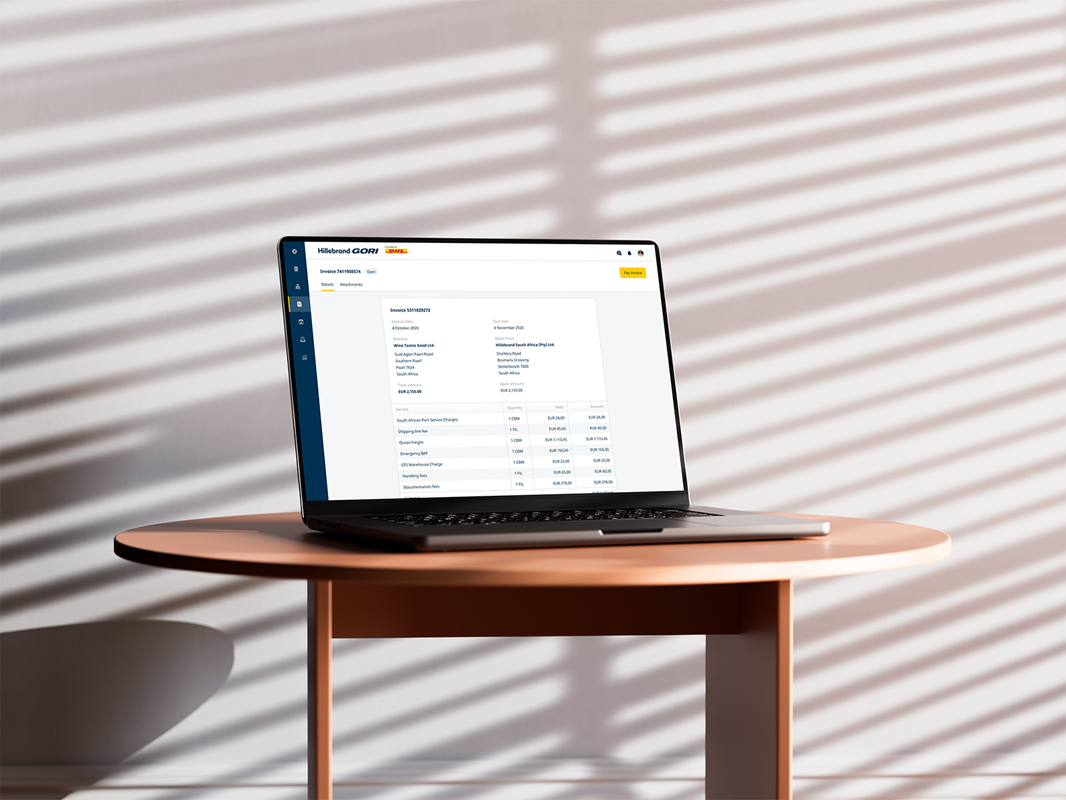
Anyone with access to a myHillebrandGori account. You’ll be able to see any shipment, container or inventory product, where your party is involved. This also includes invoices you are billed for.
What information can I add in a report?
- Supplier name, location, etc.
- Loading/pick-up dates and times
- Product names, quantities, SKU’s
- Ports of loading and discharge
- Estimated arrival date, delivery date etc.
- Carbon emissions
- and much more…
How can I build a report?
To build a report, click on the report tab in the left-hand menu pane. If you already have a list of scheduled reports, you’ll see them here. Or you can create a new report.
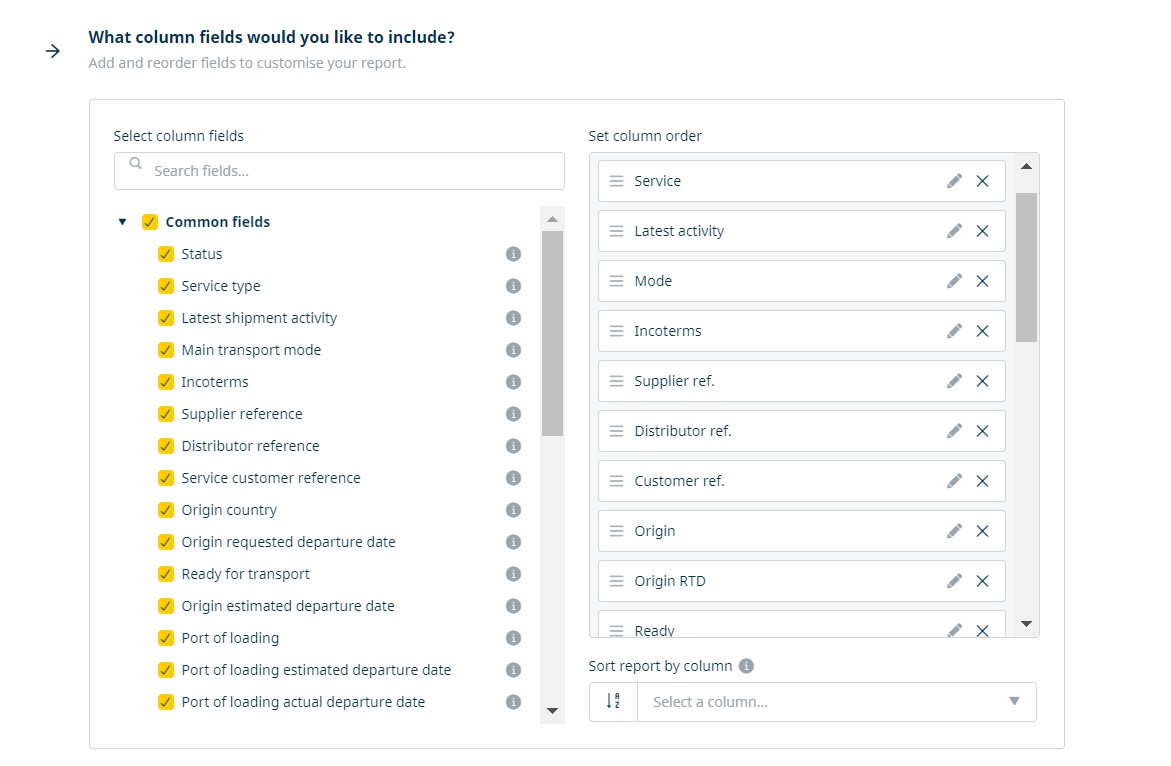
Select what type of report you want from shipments, invoices, emissions, inventories or containers, then choose a template. From here, you can modify the report template to build a report to your own specification. You can preview it, export it, share it or schedule it for a later date.
Log in to your myHillebrandGori account today and discover a smarter way to manage your shipments.
Reviewed by Hillebrand Gori

.tmb-banner.webp?Culture=en&sfvrsn=abc75235_1)